MFA — The Digital Deadbolt on Your Front Door
You lock your house every night without thinking twice. So why are millions of people leaving their accounts wide open?
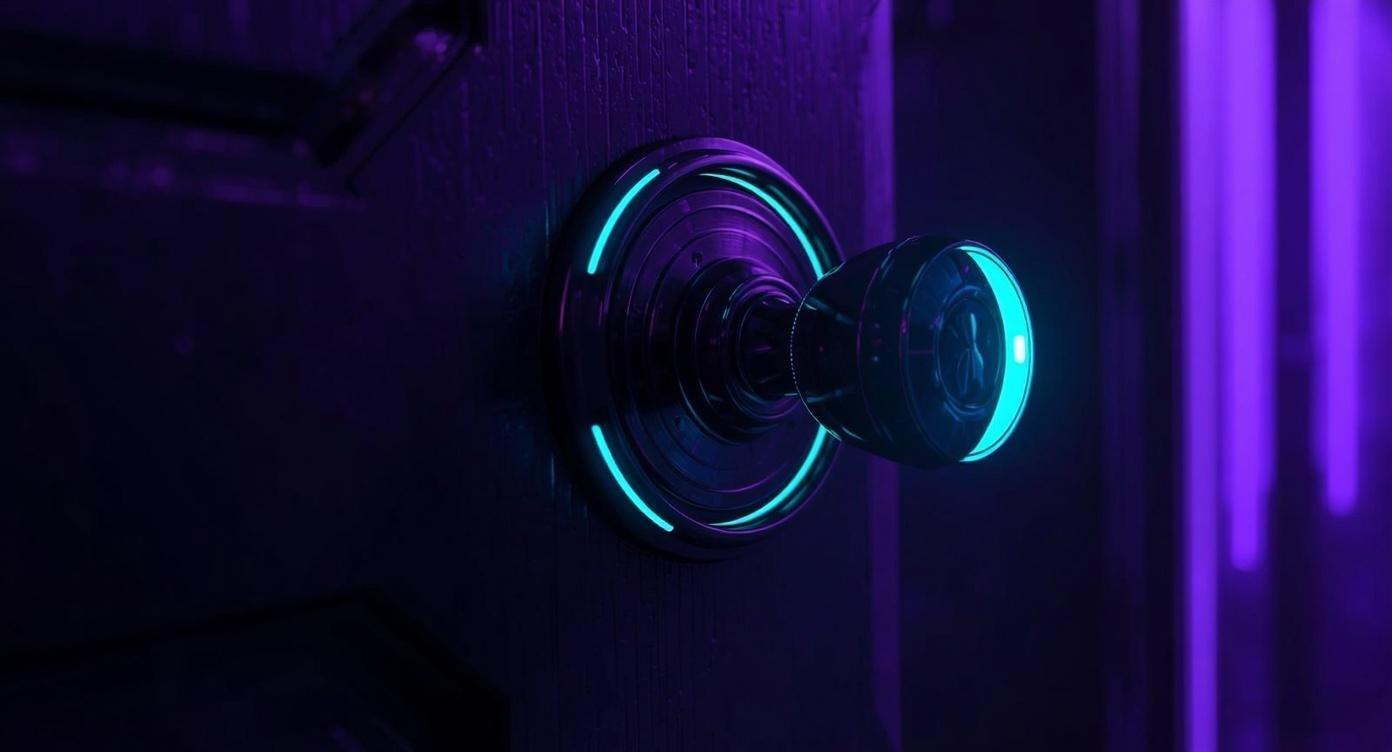
Image created with Canva AI · The Kreative Fortress
She called me frantic. Her Instagram — the one she'd been building for years, thousands of followers, client connections in the pipeline — was gone.
Not hacked in the dramatic movie sense. Just quietly taken.
Someone got her password, logged in from a device she'd never heard of, changed her email, changed her recovery info, and locked her out completely. It happened while she was asleep.
The worst part? It could have been stopped with one extra step she didn't know she needed.
That step is called Multi-Factor Authentication — MFA for short. And if you don't have it turned on right now, this post is for you.
MFA stands for multi-factor authentication. It requires you to prove your identity in multiple ways before you can login. How?
Your Password Is Just One Lock
Think about your front door. Most of us don't just have a doorknob — we have a deadbolt too. Two layers. One can be picked; the other makes things significantly harder. You wouldn't leave your house with only the doorknob locked. So why do we do exactly that with our accounts?
Your password is the doorknob. It's the first layer — and honestly, it's not as strong as you think. Passwords get leaked in data breaches. They get guessed. They get phished. A password alone is not enough protection in 2026.
MFA is your deadbolt. It adds a second layer of verification so that even if someone gets your password, they still can't get in without also having access to something only you have — like your phone.
"Even if someone knows your password, MFA means they still can't walk through your door."
How It Actually Works:
When MFA is turned on, here's what happens when you log in:
🔐 CYBER CLARITY: THE THREE FACTORS
Something you know — your password or PIN.
Something you have — your phone, a hardware key, an authenticator app.
Something you are — biometrics like Face ID or a fingerprint.
MFA combines at least two of these. Most people use the first two, which is a massive upgrade over a password alone.
Text Code vs. Auth App — Know the Difference
Not all MFA is created equal. When you turn it on, most platforms give you a couple of options. Here's the plain-English breakdown:
SMS TEXT CODE
MOST COMMON · EASIESTA 6-digit code texted to your phone number. Quick to set up. Better than nothing — but can be intercepted if someone hijacks your phone number (called SIM swapping). Good starting point.
AUTHENTICATOR APP
RECOMMENDED · MORE SECUREApps like Google Authenticator or Authy generate a fresh code every 30 seconds — right on your device, no cell signal needed. Harder to intercept. This is what I personally use and recommend.
BACKUP CODES
EMERGENCY ACCESS · CRITICALOne-time use codes generated when you set up MFA. They're your emergency key when your phone isn't available. Most people ignore these — that is a mistake. More on this in a second.
The Backup Code Warning You Need to Hear
Okay. This is the part I wish someone had told me before I learned it the hard way. Consider this your official warning from The Fortress:
Always save your backup codes somewhere other than your main device.
When you upgrade your phone, lose it, or it gets stolen — your authenticator app and your backup codes go with it. If those codes were only saved on that device, you are locked out of every account that uses MFA. Permanently. Save them somewhere secure and offline: a printed sheet in a safe place, a password manager, a secure note in a secondary device, a trusted person. Anywhere that isn't only your primary phone. Do this the same day you set up MFA.
⚠️ REAL TALK
Getting a new phone is exciting. Backing up your MFA codes before you swap over is not exciting. Do it anyway. Future you will be grateful — because nobody ever thinks they'll need those codes until the exact moment they desperately do.
Where to Turn It On First
Start with the accounts that would hurt the most to lose. Here's the priority order if you're doing this today:
To find it: go to your account settings and look for Security, Privacy, or Two-Factor Authentication. Every major platform has it. It usually takes less than five minutes to set up.
This Is Not About Fear. It's About Freedom.
I know cybersecurity can feel like a list of scary things that might happen to you. That's not what we do here. MFA isn't about living in fear of being hacked. It's about taking back control — knowing that your digital spaces are yours, that the door is locked, and that you are the one who holds the key.
The internet is part of your life. Your business, your community, your memories, your money — so much of it lives online. Protecting it isn't paranoid. It's just good sense. The same way locking your front door is just good sense.
My friend rebuilt her account eventually. It took weeks, a lot of emails to Instagram support, and more stress than anyone needs. She has MFA on everything now. So does everyone she's told the story to.
Now so do you.
🛡️ Free Resource
Not sure where to start with your own security?
Download the Digital Safety Priorities Map — a calm, beginner-friendly guide to figuring out what actually needs protection first. No panic, no pressure.
Download the Free Map →One Action Before You Close This Tab
Go turn on MFA for your email account. Right now. It takes five minutes and it's the single most impactful security move you can make today.
EXPLORE THE CYBER HUB MORE TECH TALKS