MFA Is the Bare Minimum in 2026
Cybercrime is no longer a “big company” problem — it’s a personal one.
And as digital tools (and AI-driven scams) become more convincing and more accessible, everyday accounts are now the easiest entry point.
By now, most people have heard of multi-factor authentication (MFA). It’s mentioned in data breach headlines, security tips, and even app pop-ups.
And yet — in 2026 — accounts are still being compromised because MFA is skipped, delayed, or misunderstood.
So, What is MFA?
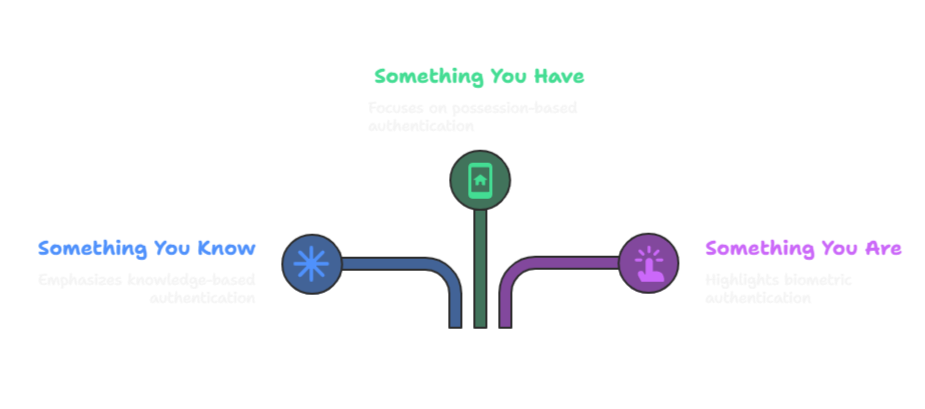
MFA stands for multi-factor authentication. It requires you to prove your identity in multiple ways before you can login. How?
With:
Something you know → your password.
Something you have → your phone or an authentication app.
Something you are → fingerprint, face scan, or voice recognition.
By layering these factors, even if one is stolen, the hacker still can’t get in.
Why MFA is Non-Negotiable in 2026
Passwords are no longer enough.
Over 80% of breaches are linked to stolen or reused passwords.
Hackers target the everyday person. Scammers don’t just go after banks — they target Facebook, Gmail, TikTok, and Apple IDs every single day.
It’s becoming the default.
From PayPal to Instagram, more platforms now require MFA to access sensitive features.
It’s free and quick.
Setting up MFA usually takes less than 5 minutes per account.
Real-Life Scenarios
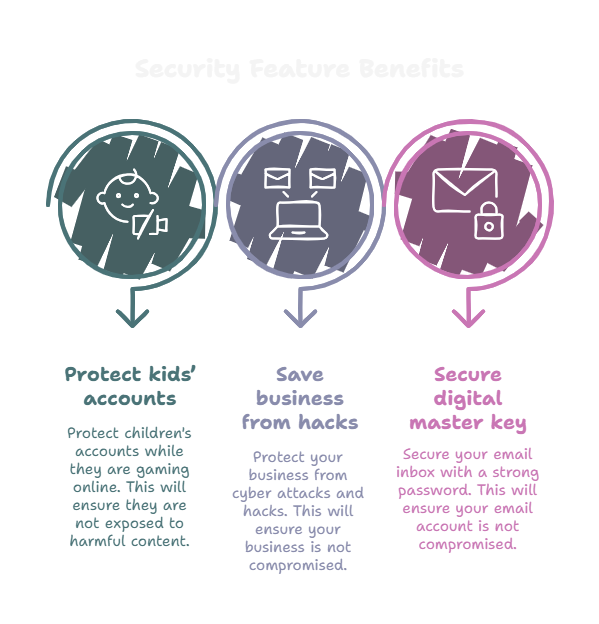
Parents: Your child’s gaming account gets hacked. Without MFA, the attacker doesn’t just take game progress — they may also access a stored credit card.
Entrepreneurs: Your business Instagram gets compromised during a launch. Without MFA, attackers can lock you out and scam your audience.
Everyday People: Your email is the master key to your digital life. Protecting it with MFA is one of the smartest security decisions you can make.
Types of MFA (Pros & Cons)
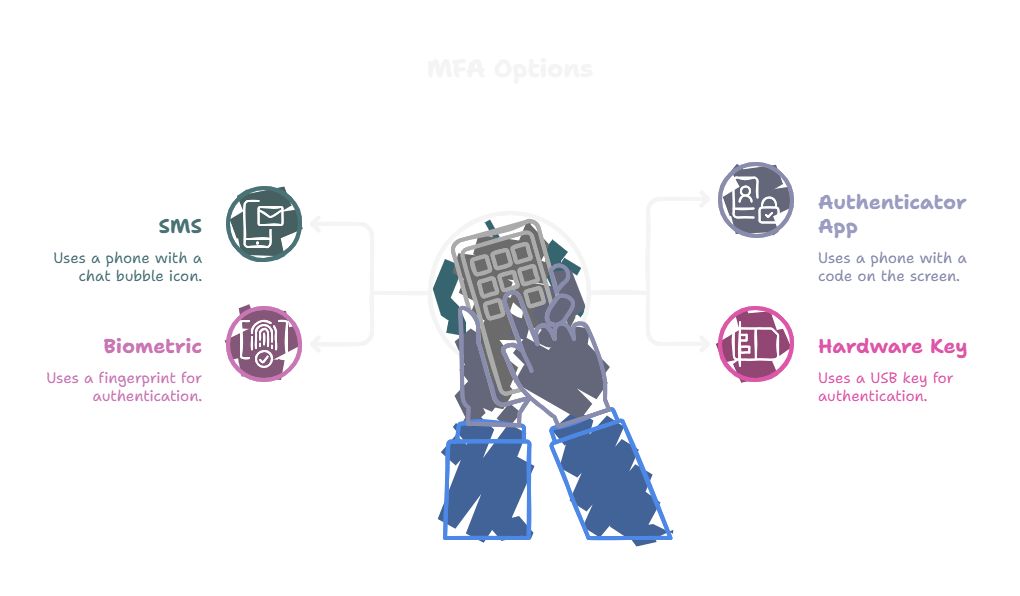
Text Message Codes (SMS)
✅ Easy to use
❌ Vulnerable to SIM-swap attacks
⚡ Use only if it’s your only option
Authenticator Apps (Best for Most People)
✅ More secure than text codes
✅ Works even without internet once set up
📲 Popular options: Google Authenticator, Microsoft Authenticator, Authy
Biometrics (Fingerprint/Face)
✅ Quick and convenient
❌ Limited to device logins, not all accounts
Hardware Security Keys (Most Secure)
✅ Gold standard for businesses and professionals
❌ Costs money (~$30–$50 per key)
What’s Changed Since 2023–2024 + Why You Need MFA
In 2026, phishing scams are more convincing than ever. Attackers are using AI to generate realistic emails, messages, and even voice prompts that look and sound legitimate.
Passwords alone don’t stand a chance against that level of social engineering.
Once one account is compromised, attackers keep moving — using email access to reset banking, social media, and cloud storage accounts in minutes.
MFA is often the only barrier that stops that chain reaction.
MFA is one of the simplest, most effective steps you can take to protect yourself in today’s digital world. Not only does it protect your accounts — it protects your family, your business, and your peace of mind.
How to Set Up MFA Today:
Start with your most important accounts: email, bank, social media, cloud storage.
Turn it on in your settings: look for “Security” or “Login & Privacy”.
Choose your method: authenticator app > text > hardware key.
Save your backup codes: print them, store in a safe, or use a password manager.
Test it by logging out and back in
If you haven’t enabled MFA yet, today’s the day. Future-you sends all the thanks.
This is part of why I’ve been thinking more deeply about digital hygiene — not just one-time security steps, but ongoing awareness and care.
👉🏽 Want to keep these tips handy?
Download my free MFA guide to save, reference, and revisit whenever you’re securing a new account.
